
LATEST FROM CCDR
Fresh guidance for real technology decisions
Browse recent repair, security, setup, recovery, and everyday technology guidance.
Missing Computer Files: Questions to Answer Before Taking Action
Record what changed, check the account and storage location, and identify existing backups before attempting to recover missing computer files.
Printer Setup on a New Computer: Checks Before Asking for Help
Prepare for printer setup on a new computer with model details, connection notes, official software guidance and clear tests before asking CCDR for help.

Slow Laptop Troubleshooting: Notes That Help a Repair Visit
Describe laptop slowdowns clearly, record useful symptoms, and prepare practical notes for a computer repair conversation.

Backup Before Laptop Repair: A Practical Checklist
Prepare for laptop service by identifying important files, choosing separate storage, checking your backup, and explaining your data priorities.
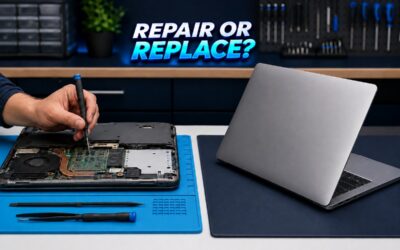
When To Repair Or Replace Your Laptop: A Practical Guide For 2026
Deciding whether to repair or replace your laptop can be tricky. This guide helps you weigh the costs, performance gains, and environmental impact of fixing a device versus buying new.

Computer Repair in Brevard County: 7 Questions to Ask Before Service
A clear repair conversation starts before the computer reaches the workbench. Use these seven questions to protect your data, describe the problem, and understand the next step.
CCDR RESOURCE CENTER
Practical computer help for Brevard County
Explore a directory of practical computer repair, security, setup, and recovery articles for residents in Brevard County, Florida.
BROWSE BY NEED
Start with the topic that fits your question
Understand common technology problems, prepare for a repair conversation, and make more confident everyday choices.
Repair and Performance
Troubleshooting, diagnostics, slow computers, and maintenance.
Security and Scam Awareness
Safer accounts, networks, malware signs, and fraud awareness.
Setup and Everyday Tech
New-device setup, software, peripherals, and easier daily use.
Backup and Recovery
Data-protection habits, recovery questions, and advance planning.
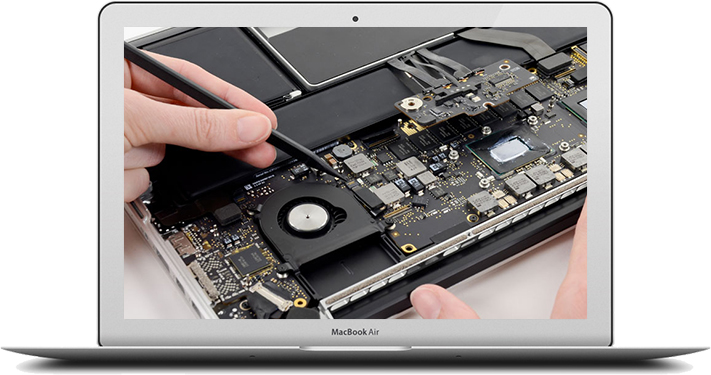
CLEAR, USEFUL, LOCAL
Browse with confidence
Recognize a problem, collect useful details, and decide when support makes sense.
- Plain-language explanations
- Questions to ask before service
- Links to related CCDR services
Frequently asked questions
What topics does the CCDR resource center cover?
Are these articles a replacement for diagnosis?
How can I ask CCDR about a computer problem?
Need help with a computer issue now?
Tell CCDR what is happening and get a clear next step.
