
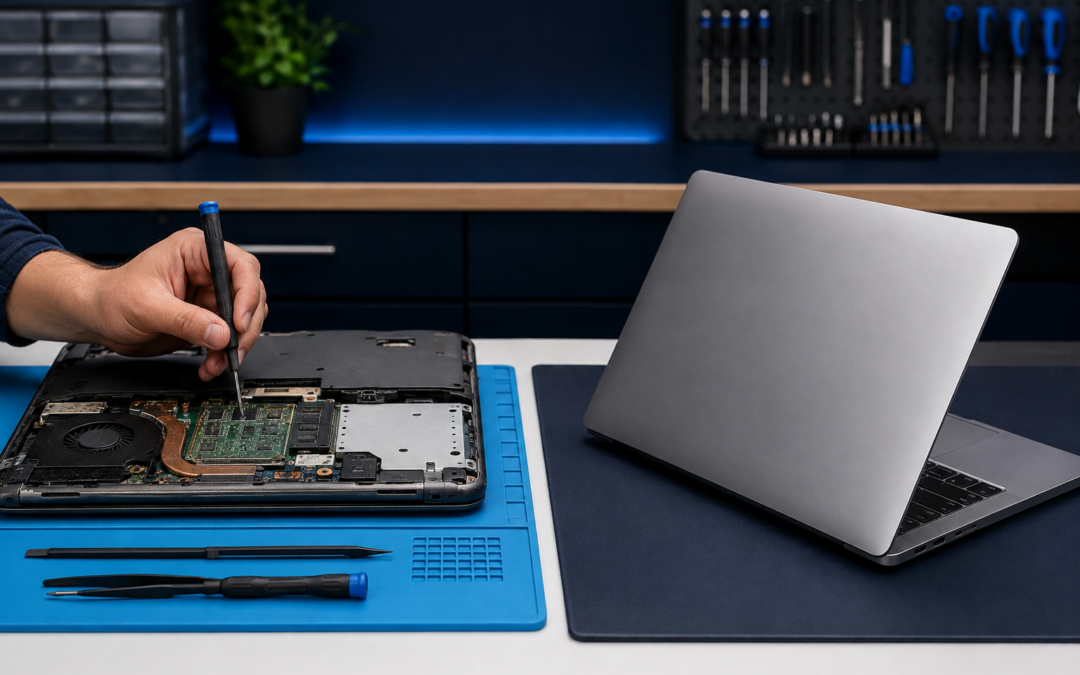
Understanding The Cost Of Laptop Repair
When you encounter technical difficulties with your computer, the immediate instinct is often to find a repair shop. However, before committing to a service visit, it is essential to understand the financial implications of the fix. A standard laptop repair can range from $50 for a simple battery replacement to over $400 for a complex motherboard or screen replacement. These costs vary significantly based on the make and model of your device.
Many users find themselves in a difficult position where the cost of parts and labor approaches 50% of the value of a brand-new machine. In these scenarios, paying for a repair might not be the most financially prudent decision. It is crucial to evaluate the age of your current device. If your laptop is older than four or five years, the remaining lifespan after a major repair may be too short to justify the expense. A new laptop often comes with a warranty that covers future issues, whereas an out-of-warranty repair leaves you vulnerable to additional failures shortly after the initial fix.
Furthermore, consider the cost of downtime. While waiting for parts or scheduling a service appointment, your productivity halts. For professionals who rely on their computer for daily tasks, this interruption can have hidden costs that outweigh the price of the repair itself. Weighing these factors against the price of a new machine provides a clearer picture of whether fixing your current device is truly the best path forward.
Evaluating Performance And Future Needs
Repairing a laptop addresses an immediate problem, but it does not necessarily solve future performance bottlenecks. Older hardware often struggles with modern software requirements. Even after replacing a hard drive with a solid-state drive (SSD), the processor and memory (RAM) of an aging machine may still lag behind current standards. This can lead to frustration as you attempt to run updated applications or multitask efficiently.
When considering a replacement, look at the specifications required for your workflow. If you work with heavy graphics, video editing, or complex data analysis, upgrading to a device with more powerful processing capabilities will significantly enhance your experience. A new laptop ensures compatibility with the latest operating system versions and security patches, which are critical for protecting sensitive information.
Energy efficiency is another factor that often goes unnoticed until you switch devices. Modern laptops are designed to run cooler and consume less power than older models. This not only saves money on electricity bills but also extends the battery life of your device throughout the day. By upgrading, you invest in a tool that supports your long-term productivity goals rather than just patching up an outdated system.
The Environmental Impact Of Your Decision
Choosing between repair and replacement also involves an environmental consideration. E-waste is a growing global issue, with millions of tons of electronic devices discarded annually. Repairing your laptop extends its lifecycle, keeping it out of landfills for a longer period. This practice aligns with the principles of sustainability and responsible consumption.
However, if a repair requires replacing multiple components or involves significant disassembly that damages other parts, the environmental benefit diminishes. In such cases, recycling the old device responsibly becomes the preferred option. Many manufacturers and retailers offer trade-in programs that allow you to recycle your old laptop while receiving credit toward a new purchase.
Manufacturers are increasingly using recycled materials in new devices, which helps mitigate the impact of production. By choosing a refurbished or certified pre-owned laptop, you can still enjoy significant performance improvements without contributing directly to raw material extraction. This middle ground offers a balance between cost savings and environmental stewardship.
Assessing The Quality Of Local Repair Services
If you decide that repair is the viable option, selecting the right service provider is paramount. Not all repair shops offer the same level of expertise or quality of parts. It is advisable to research local technicians who specialize in your specific brand of laptop. A technician with deep knowledge of your device’s architecture can diagnose issues more accurately and perform repairs that preserve the integrity of the hardware.
Look for reviews from other customers to gauge reliability and customer service. Positive feedback often indicates a shop that stands behind its work with warranties on parts and labor. Avoid shops that offer unusually low prices, as this may indicate the use of counterfeit parts or unskilled labor that could lead to further damage.
Communication is also key. A good repair service will explain the diagnosis clearly and provide options for different levels of repair. They should be transparent about what can be fixed and what cannot, helping you make an informed decision. If a technician suggests a replacement immediately without offering repair alternatives, it may be worth seeking a second opinion.
Common Questions About Laptop Maintenance
How often should I back up my data before repairing or replacing a laptop?
It is best practice to back up your data regularly, ideally every week or after any significant changes. Before handing over a device for repair, ensure all important files are stored on an external drive or cloud service. This protects you from potential data loss during the repair process.
Can I upgrade my old laptop to make it last longer?
Yes, upgrading components like RAM and storage can significantly improve performance. However, this is only possible if your laptop’s design allows for easy access to these parts. Some modern ultrabooks have soldered components that cannot be upgraded, making replacement the only option.
What signs indicate my laptop needs replacement rather than repair?
Persistent overheating, frequent crashes despite repairs, and a battery that holds very little charge are strong indicators. If your screen is cracked beyond repair or the keyboard keys are unresponsive, these are also signs that the device has reached the end of its useful life.
Is it better to buy new or refurbished?
Refurbished laptops offer a cost-effective alternative with warranties similar to new devices. They have been tested and cleaned by professionals, ensuring they function correctly. Buying new guarantees the latest technology but comes at a higher price point. Your choice depends on your budget and need for cutting-edge features.
Ultimately, the decision to repair or replace your laptop depends on a careful assessment of costs, needs, and values. By taking the time to evaluate these factors, you can make a choice that benefits both your wallet and your workflow. If you are unsure about the specific condition of your device or need guidance on available options, we invite you to reach out to our team for a friendly consultation.

Recent Comments