
LOCAL COMPUTER & LAPTOP HELP • BREVARD COUNTY
Computer & Laptop Repair in Brevard County
CCDR provides practical computer and laptop repair for slow, damaged, or infected devices, plus Mac repair, data recovery, custom computer design, and remote support across Brevard County.
START WITH THE RIGHT PATH
Help for the computer you have – or the one you need
Choose the service closest to your situation. CCDR can help clarify the next step when the problem is not obvious.
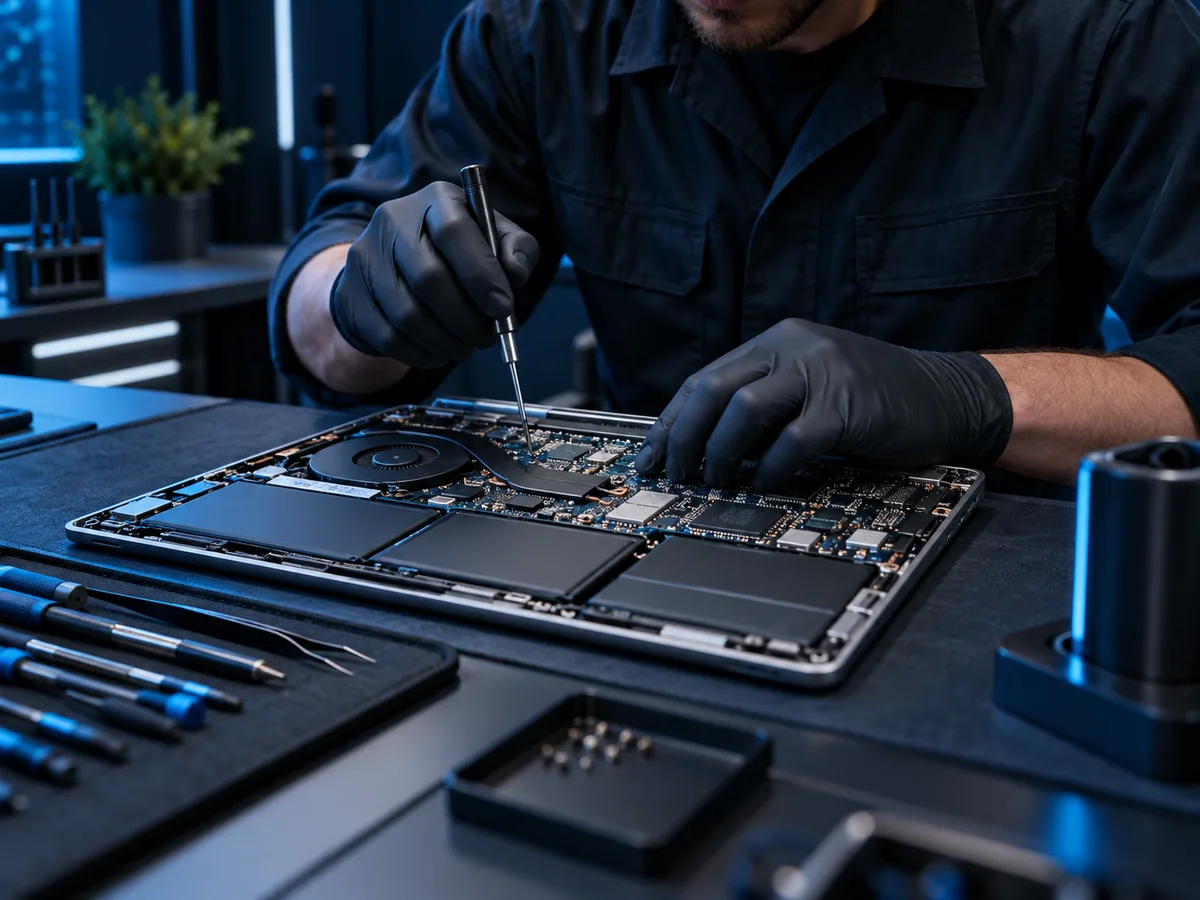
Computer Repair
Slow, unstable, damaged, or unable to start? Begin with the symptoms and the files that matter most.
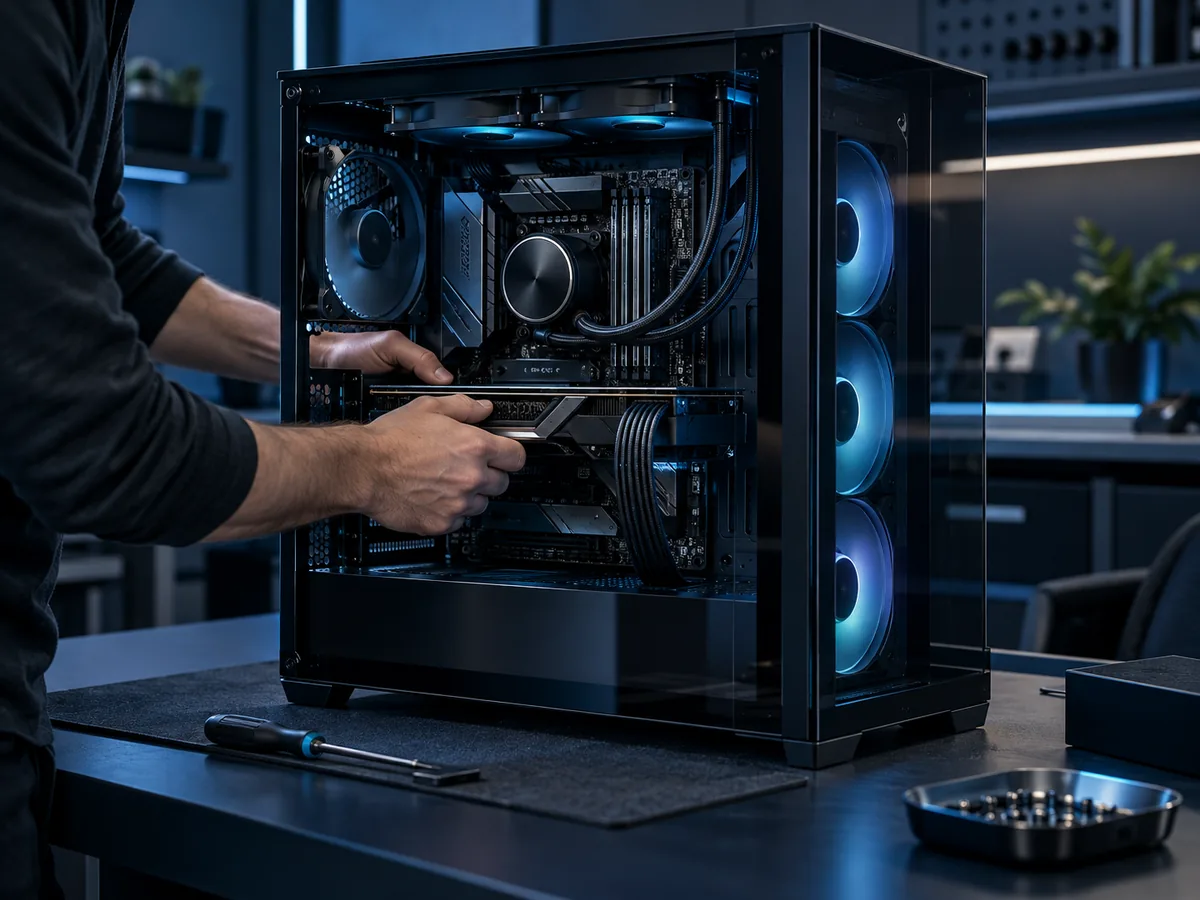
Custom Computer Design
Plan around your applications, space, storage, priorities, and the budget you want to discuss.
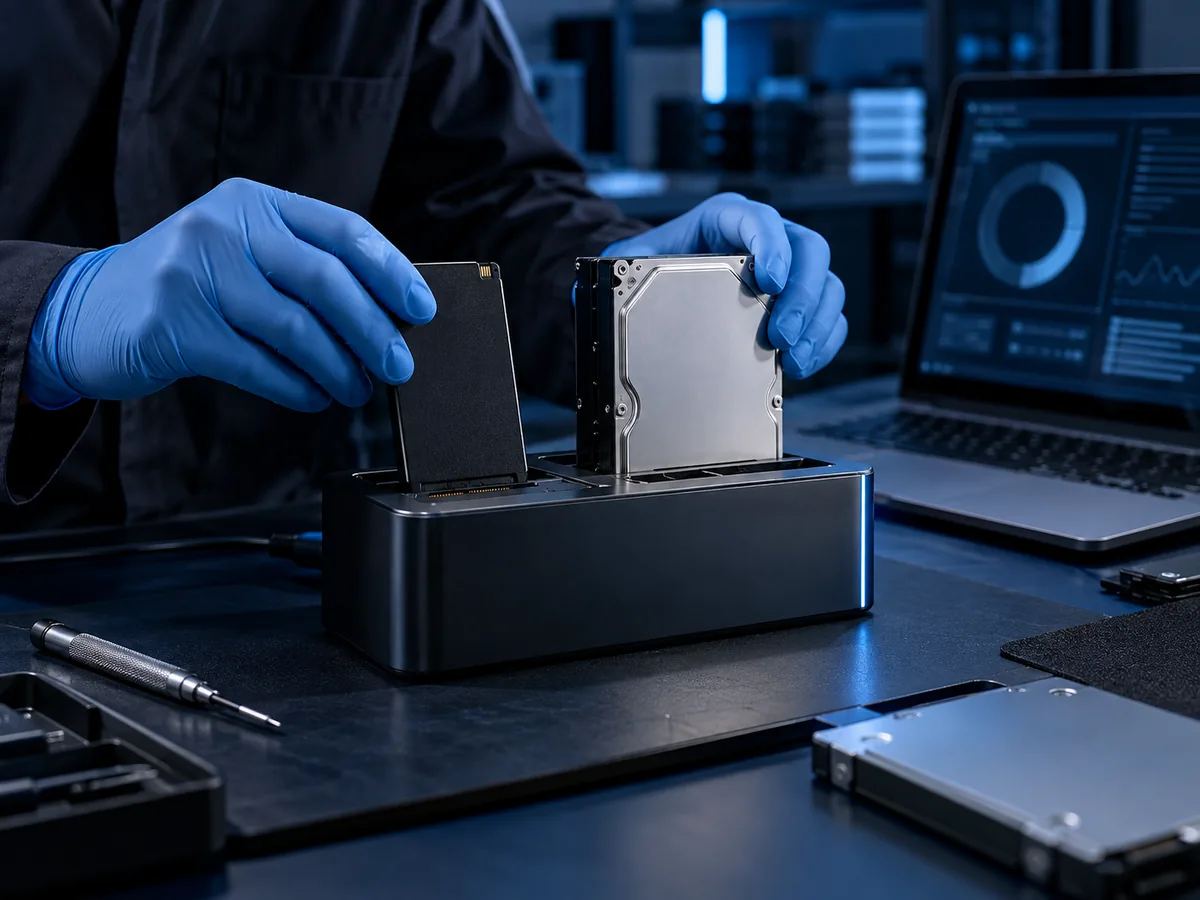
Data Recovery
If important files may be at risk, stop repeated experiments and describe what happened before the failure.
CLEAR NEXT STEPS
Start with the facts you know
You do not need to diagnose the problem yourself. A few useful details make the first conversation more productive:
1. Describe the symptoms
Note what you see, when it began, and any message on the screen.
2. Identify what matters
Mention important files, the programs you depend on, and whether a backup exists.
3. Choose the practical path
CCDR can discuss whether repair, recovery, setup, remote help, or replacement planning fits the situation.
More ways CCDR can help
Use a focused service page to prepare for the next conversation.
New PC Setup
Prepare a new computer and plan what needs to move.

Virus Removal
Get help with unwanted software and suspicious behavior.

Remote IT Help
Discuss whether the situation is appropriate for remote support.

Optimization
Review performance concerns before assuming a replacement is needed.
SAFER FIRST CONTACT
Bring symptoms, not passwords
When you contact CCDR, share the device type, what changed, and what you need to accomplish. Do not send passwords, access codes, payment details, or other sensitive information through a general form.
What information should I include?
Include the computer or device type, the main symptom or goal, when the issue began, and whether important files are backed up.
Can CCDR help me compare repair and replacement?
Describe the current computer, what it needs to do, and what is no longer working well. CCDR can discuss the practical service paths without assuming the answer in advance.
Do I need a parts list for a custom computer?
No. A list of applications, accessories, space limits, priorities, and budget questions is a useful starting point.
Ready to describe the problem?
Send CCDR the facts you know and leave anything uncertain clearly labeled.