
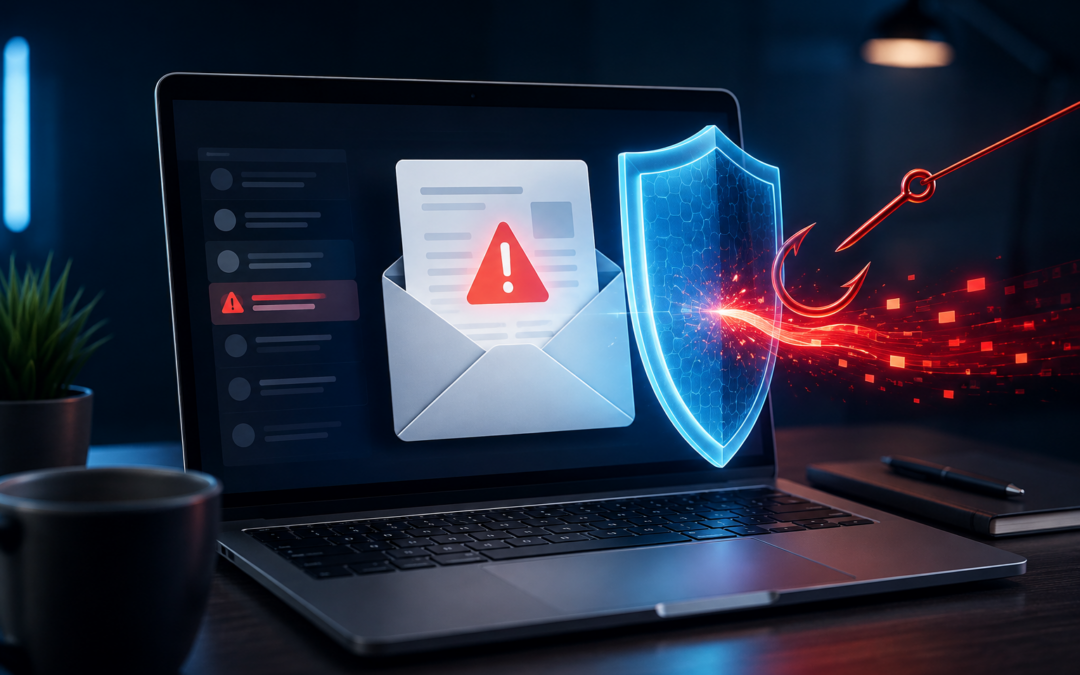
In this digital age, scammers are constantly finding new and cunning ways to exploit unsuspecting individuals. One such scam that has gained notoriety in recent times is the Geek Squad email scam. Targeting tech-savvy individuals, this scam attempts to deceive users into revealing personal information or downloading malicious software. In this blog, we’ll delve into the details of the Geek Squad email scam and provide valuable tips on how to avoid falling victim to such fraudulent schemes.
Understanding the Geek Squad Email Scam
The Geek Squad email scam typically starts with the recipient receiving an unsolicited email, seemingly from Geek Squad, a well-known tech support and repair service provider. The email may appear authentic, featuring logos and email signatures that make it look official. The message usually claims that there is an urgent issue with the recipient’s device or account and urges them to take immediate action.
The content of the email often involves one or more of the following tactics:
- Urgency and fear: The scammers create a sense of urgency, claiming that the recipient’s device is infected with malware, has a security breach, or is at risk of data loss. This fear-driven approach compels the victim to act quickly without thinking rationally.
- Phishing links: The email may contain hyperlinks that direct the recipient to fake websites that resemble the official Geek Squad website. These websites are designed to trick users into entering their login credentials, financial information, or other sensitive data.
- Malware attachments: In some cases, the email might include attachments that contain malware or viruses. Once downloaded, this malicious software can compromise the user’s device and steal sensitive information.
How to Avoid the Geek Squad Email Scam
- Verify the sender: Always check the sender’s email address and ensure it matches the official Geek Squad domain. Keep in mind that scammers may use clever variations in the email address to deceive you.
- Look for grammatical errors: Scam emails often contain spelling mistakes, grammatical errors, or awkward language usage. Legitimate companies usually maintain a high level of professionalism in their communications.
- Avoid clicking suspicious links: Hover your mouse over any links in the email to see the destination URL. If the link address looks unfamiliar or unrelated to Geek Squad, refrain from clicking on it.
- Don’t give out personal information: Legitimate companies, including Geek Squad, will never request sensitive information like passwords, Social Security numbers, or financial details via email. Avoid providing such information if prompted.
- Use strong passwords: Ensure your accounts are protected by using strong, unique passwords for each service. Consider using a password manager to keep track of your credentials securely.
- Enable two-factor authentication (2FA): Whenever possible, enable two-factor authentication on your accounts. This extra layer of security adds another barrier against unauthorized access.
- Keep software up to date: Regularly update your operating system, antivirus software, and other applications to patch security vulnerabilities and protect against potential threats.
- Educate yourself and others: Stay informed about the latest scams and educate your friends and family about online security best practices. Awareness is one of the most effective tools in combating scams.
The Geek Squad email scam is just one of the many online threats that internet users face today. Staying vigilant and informed is essential to safeguarding your personal information and digital assets. Remember, legitimate companies will never ask for sensitive information via email, and if something seems off, it probably is. By following the tips mentioned above, you can protect yourself and others from falling prey to scams and enjoy a safer online experience. Stay smart, stay safe!

Recent Comments